
Clean OS & Panel Deploy
Optimized installation on AlmaLinux, Ubuntu, or Debian with recommended production partition layouts.


Looking for a reliable DirectAdmin migration service to seamlessly migrate your website from cPanel? Get expert assistance for DirectAdmin SSL certificate.
Supported Control Panel Ecosystems & Addons
Enterprise Server Management
Our certified Linux engineers handle OS hardening, web server tuning, firewall rules, and zero-downtime transfers.
Optimized installation on AlmaLinux, Ubuntu, or Debian with recommended production partition layouts.

CSF firewall, ModSecurity OWASP rules, and brute-force protection configured out of the box.

LiteSpeed or Nginx reverse proxy with OPcache, Redis caching, and PHP-FPM worker pool optimization.

MySQL/MariaDB buffer tuning, slow query logging, and InnoDB optimization for responsive dynamic websites.

Full SPF, DKIM, DMARC, and PTR record validation to guarantee high inbox deliverability.

Seamless transfers of accounts, databases, emails, and DNS with comprehensive pre-switch data audits.
Free your developers from routine package updates, kernel patches, and user account troubleshooting.
Fine-tuned daemons prevent memory leaks, load spikes, and resource starvation on high-traffic servers.

Real-time intrusion detection and automated vulnerability patching neutralize exploits instantly.
Starting at
one-time fix
Order Incident FixStarting at
one-time setup
Start SetupStarting at
per server / month
Subscribe Pro CareSide-By-Side
| Feature | HostsCheap | Unmanaged VPS / DIY | Generic Outsourced Support |
|---|---|---|---|
| Response SLA | < 15 Minutes | None (DIY) | 4-8 Hours |
| Root Security Hardening Included | +$50 Extra | ||
| Database & Webserver Tuning | Manual | ||
| Zero-Downtime Migration Support | +$100 Extra | ||
| Proactive Health Monitoring | Basic Ping Only | ||
| Money-Back Guarantee | 14 Days | None | None |
Every panel configuration includes our hardened security baseline to safeguard critical data against modern threat vectors.
Customer Stories
“Migrated 45 customer accounts to a new high-spec server overnight without dropping a single email or customer session. Flawless execution.”
“Our server was constantly hit by brute force attacks. Their security team hardened CSF and configured fail2ban within 45 minutes.”
“Subscribing to Monthly Pro Care was the best decision for our agency. Tier-3 sysadmins on call whenever we need them.”
Simplify your server migration process with our Reliable DirectAdmin Migration Service. Discover expert tips for a smooth, hassle-free hosting switch. Professional DirectAdmin migration service, ensuring smooth CPanel to DirectAdmin migration, SSL certificate setup, and backup solutions. Trust us for a hassle-free transition.
$250.00 USD One Time Setup Fee
GigID : CPS-DADMM-406 Delivery 04 Days
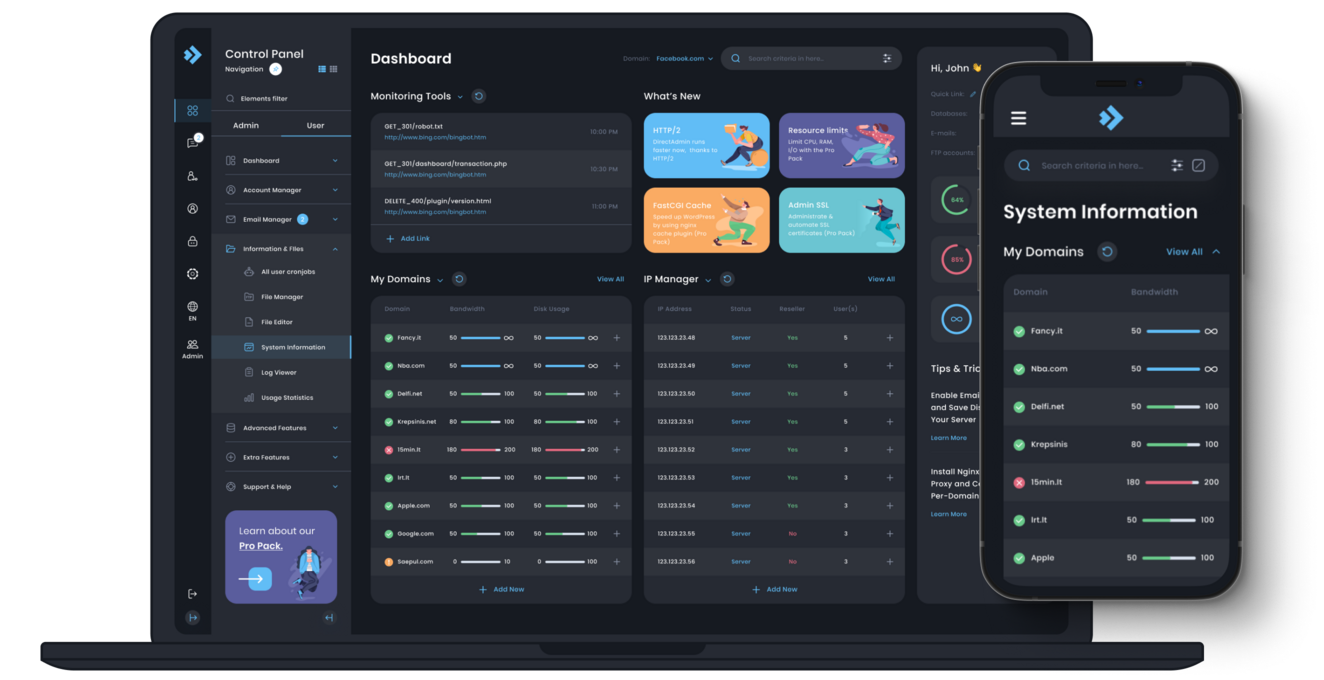
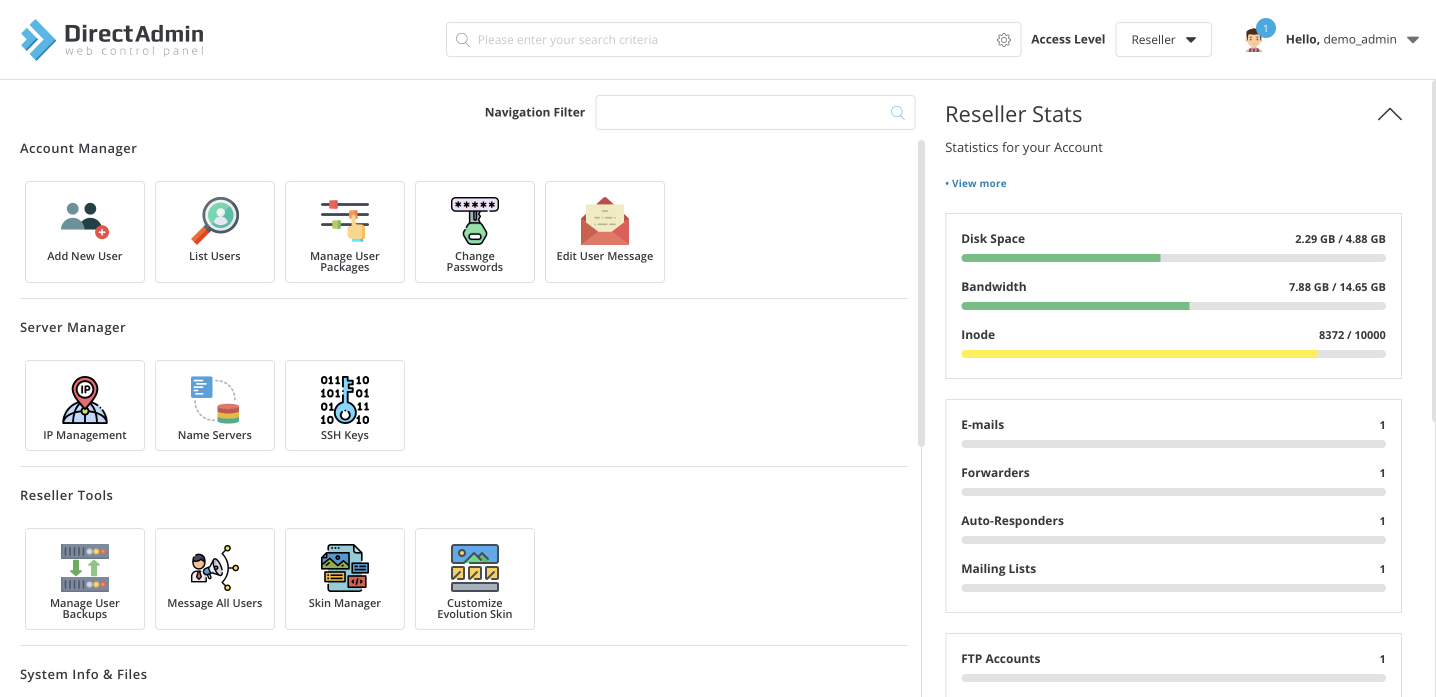
DirectAdmin is a powerful yet easy-to-use web host control panel that allows you to manage your website with just a few mouse clicks. It gives you full control over every aspect of your domain. The next generation of web hosting control panels is here with DirectAdmin. This revolutionary web management software provides everything you need to manage your web hosting easily and efficiently. With a highly customizable interface, DirectAdmin gives you the power to design and build the perfect website. From your own domain name to eCommerce checkout pages, contact forms and more, it's all at your fingertips. Best of all, it's completely FREE to download and use!
✅ Domain Setup upto 3 Domain
✅ Configure Multiple php version
✅ Improvements Security System
✅ Install Free SSL Addon
✅ SSL certificate Installation
✅ SPF Setup similar with Existing Configuration.
✅ DKIM Setup similar with Existing Configuration.
✅ DMARC Setup similar with Existing Configuration.
✅ rDNS Setup.
✅ Spam Filter setup of Requirements!.
This guide provides tips and recommendations geared towards making your experience of DirectAdmin migration easier. In case you are planning to migrate your accounts from cpanel to directadmin or moving them across servers then this particular guide will be quite useful.
The guide is for you even if you’re a company or an individual and you never have an annoyance of moving into directadmin as there is a reason you don’t migrate due to performance, or usability or the price being poor compared to the other reputable services so without further ado let’s venture into the world of DirectAdmin migration!.
Key Results:
In case you understand how to do it right, then seamlessly migrating into DirectAdmin should not pose any issues.
Without troubleshooting the common elements and maintaining a mix of service levels the finalization of journey into DirectAdmin would become tedious.
In this chapter, we will go through DirectAdmin migration in its most basic form before moving on to more advanced stages. First of all, we will define what Direct Admin migration means and explain the relevance of this particular process in today’s business world. Next, we will outline the main reasons why people and companies decide to move to DirectAdmin. Finally, we will consider typical issues that may exist during the migration procedure and give recommendations on how to address them.
Direct Admin migration refers to the transfer of hosting accounts and Websites which were previously hosted in a control panel other than DirectAdmin. It entails the transfer of the user accounts hosted in control panel, emails hosted accounts, Hosted databases, host configuration among others so that these services can run within the hosted Direct_Amin enviroment. By means of this migration, DirectAdmin users get a chance to enjoy advanced functional capabilities and a more straightforward interface of DirectAdmin.
When planning to migrate to DirectAdmin, you have to take into account factors that will help smooth out the whole process, and to do that there is a checklist that you must satisfy and these should be well documented. Proper planning should help in having a streamlined process while minimizing chances of complications in the DirectAdmin upgrade process along with chances of data being lost. Below are some critical aspects that must be fulfilled:
While ensuring these conditions are satisfied and their impact felt prior to the migration of DirectAdmin, chances of transitioning to the new platform are enhanced. This focus will help particularly in the reduction of impacts caused by issues such as downtime and data loss during the transition: for greater integration.
In this section, we address, what are the requirements for moving your old server to DirectAdmin. Keep in mind if you have the IP addresses or accounts properly distributed with first layers of admins and resellers active, the migration will go much smoothly along with transferring the information to the new server.
Migrating emphasizes the movement of information or even systems, as expected, has risks, but resellers’ and admins’ backup is a fail safe strategy that completes this flaw. Advancing with clients best of configurations, settings and required user information is only possible through these secondary backups as restoring them to courts is easily achievable post transfer. This guarantees zero harm to data as it will mostly eradicate chances of losses during the selective transfer of admin and reseller information across servers, maintaining speed and effectiveness.
Best directions during the advance of Directadmin addition or the entire move towards a new server always tends to focus towards smoothness, and as expected smoothness is attained through direction, which in this case is user account creation and its management, putting the user in direction to assist minimizing irrecoverable data loss for possible valuable ends.
Identify the Accounts-The first task is to note the user accounts which will require a backup such as a replica of the required information. Note down each account and the databases and even the tables meant to be copied over to the new server.
Everywhere within the world there exist disasters or instances requiring the securing of vital data, thus having backups is a must. As long as these steps are taken into consideration and relevant backup measures are put into place, you will be able to confidently create or handle any user backups required during the shift to DirectAdmin.
Transferring a working Plesk system to a newly created DirectAdmin system using a carrier is not scary, there is nothing to worry about. A little imagination and a little work will make the migration more peaceful. Here are a few important points that should facilitate the whole process:
Migrations from Plesk to DirectAdmin can be easier than one would think.All that is needed is a well thought plan and its execution. Consider taking note of these pointers to ease your transition.
As a DirectAdmin user migrating to another DirectAdmin service, there are many things that you ought to expect. To begin with, make sure that the migration plan is developed. This makes the entire experience less cumbersome, as you will be handling the migration right off the bat. Below are some of the tips that would guide you in the process:
DirektAdmin Migration via DirectAdmin Migration Tool Plugin But right from the start, in other words, taking into account the DA Migration Tool Plugin You are starting DirectAdmin migration, the process of migrating accounts and the DA Migration Tool Plugin will be a great help here, as it automates and simplifies the account migration process. This means a plethora of automated functions and features which make the job easier during the process.
Looking into Automated Account Migration Functions This is because simplest and most effective way for migrating accounts from other DirectAdmin servers or instant dedicated server in particular and more specifically the DA Migration Tool Plugin offers a good range of required tools. They are:
Automated means of migrating users' accounts: The plugin makes order the necessary retargeting of user accounts from the previous server's db without the protection of records from the other db
Synchronization of databases enabled on the old and new servers: database sync during and after migration.
Migration of emails for accounts: All emails and all the accounts settings will be moved over by the plugin
Posting Required DNS Records Automatically During Migration: The records to be posted are the requisite ones which were the cause to change the configuration. DETAILED ACCOUNT MIGRATION Several clicks on the plugin enabling the automation of the entire process, is bound to save time and make account migration easy and perfect.
Many DirectAdmin users find it easier to migrate their DirectAdmin installations between servers. It’s particularly useful to move user accounts due to the following advantages that using the DA Migration Tool Plugin in the DirectAdmin migration process to move accounts provides:
To put it all together, using the DA Migration Tool Plugin whenever migrating to DirectAdmin is a great way to make the process simpler and faster, allowing users to move to DirectAdmin without making large changes.
Plugin Management Snags During the Migration
When migrating to DirectAdmin, you may face obstacles related to the transfer of website application and server due to problems in the transfer of plugins, and installation and configuration. Such issues need to be solved as follows.
"Service availability for clients/user during DirectAdmin migration is the foremost objective" is an oft quoted phrase during the course of a transfer. This pertains to including the aspects of data integrity, rush services of minimal disruption, or even ellipse services. In order for you to understand better the general indicators of the service availability during the transfer, it will be useful to follow the pointers and guidelines mentioned below:
Business Continuity Plan:
First of all
Get in touch with our certified sysadmins today for a rapid assessment and instant service deployment.